APPLY TO
Own a home in Hayward
-
Sequioa Grove is designed after these Habitat homes in Walnut Creek
-
-
-
-
-
Townhomes Under Construction
-
Townhomes Under Construction - April 2026
-
Townhomes Under Construction, Interior - April 2026
Welcome to
SEQUOIA GROVE
Located in the heart of Hayward, is Sequoia Grove: a thriving, affordable, climate-smart neighborhood of 10 townhomes.
Key features include:
- 3-bedroom/1.5-bath
- 4-bedroom/2-bath
- Sizes range from 1,341 – 1,553 sq. ft.
- Energy efficient features
- Wash and dryer hook ups
- Onsite parking wired for future EV chargers
- Built-in solar panels and backup battery systems
QUALIFICATIONS
WHO QUALIFIES FOR THESE
AFFORDABLE HOMES IN HAYWARD?
-
HOUSEHOLD SIZE
Available townhomes are 3-4 bedrooms. Your household must be made up of at least 3 people in most cases to qualify.
-
FIRST TIME HOMEBUYER
You must be a first-time homebuyer.
-
WILLING TO PARTNER
Applicants - with help from family and friends - must volunteer 250 hours with Habitat for Humanity.
-
INCOME REQUIREMENTS
All applicates must show their ability to pay. Habitat staff will review your credit history, credit requirements, and current 43% debt load. Qualifying applicants can make no more than 80% of Alameda County's AMI as determined by HUD:
# Person Household 3- 4- 5- 6- 7- 8- MAX 80% AMI $112,550 $125,050 $135,100 $145,100 $155,100 $165,100 Most households will need to make a minimum of $7500 per month to afford the monthly payment.
keep in mind
Key Things that could disqualify applicants
- Too small of a household size - we cannot accept individuals, couples, or couples with one child.
-
Missing documents
-
Incomplete application
-
Any unpaid debts (even small ones)
-
Not meeting credit or income requirements
Equal Housing Opportunity: Habitat for Humanity East Bay/Silicon Valley selects families on an impartial and non-discriminatory basis. Race, color, gender, national origin, marital status, family status, sexual orientation, age, religion, and disability are not part of the decision-making process.
NEXT STEPS
-
1Review Qualifications
-
2Request an Application
-
3Hear from Habitat
-
4Complete Application
Because we are working with the City of Hayward to bring this development to life, the application to become a homeowner at Sequoia Grove is different than it is for our other developments.
Please review the information on this page and make sure your meet the basic qualification guidelines before you request an application.
In our partnership with the City of Hayward, applicants will also have to meet their guidelines.
Complete the following form to request an application for this development.
If you have additional questions about the development and application process, feel free to reply directly to our staff via email.
Next, complete the application attached in our email to you.
Applications will not be accepted if the requested information is not completely filled out and signed.
If you do not submit any of the requested documents, your application may be considered incomplete, and you will be denied for a home in this development.
APPLY FOR HOMEOWNERSHIP
SUBMIT AN INTEREST FORM TO RECIEVE AN APPLICATION
THEN WHAT?
If you're qualified and your application is approved...
-
Sign Participation Agreement
-
Volunteer with Habitat
-
Sign Purchase Contract
-
Final Approvals
-
Closing
After signing the Partnership Agreement, you can start volunteering toward your required 250 hours of volunteering with Habitat! There are a variety of volunteer opportunities that will help you reach your hours such as building your home, working in our ReStore, and more.
Plus, when family and friends volunteer with you, you get double the hours!
After you complete your volunteer hours and depending on what stage of construction we are in, you will sign a purchase contract with Habitat for Humanity.
When we are close to completing construction, you will work with our in-house lender to start the closing process.
We will gather updated documents to share with lending partners for final approval.
Funding partners will create closing documents for applicants sign.
This is when you make the downpayment on your home and pay closing costs.
Once you sign your closing documents, we will transfer ownership to you a few days later.
Why Homeownership with Habitat
We are proud to partner with families and individuals to help them achieve the safety, security, and stability that comes from owning their home.
Habitat will be by your side throughout the homebuying process making sure you feel confident and prepared as you make this investment in you and your family's future.
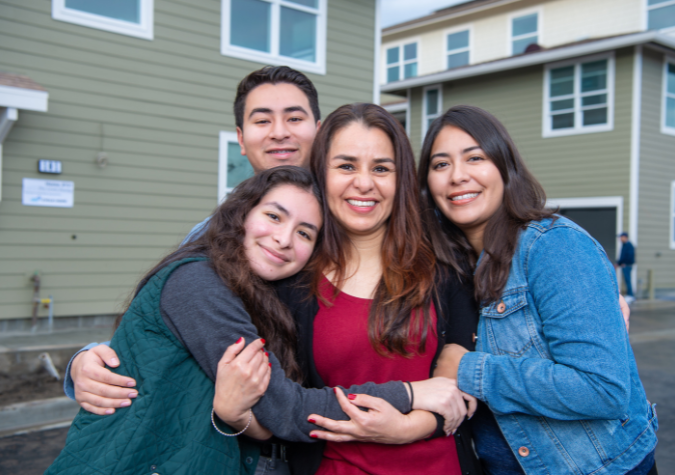
Welcome to Sequioa Grove
Families looking to become homeowners partner with Habitat to build a decent, affordable place to call home. As a Habitat homeowner, you’ll not only buy a home, but you'll gain the stability and security that comes with it and a strong foundation for generations to come.
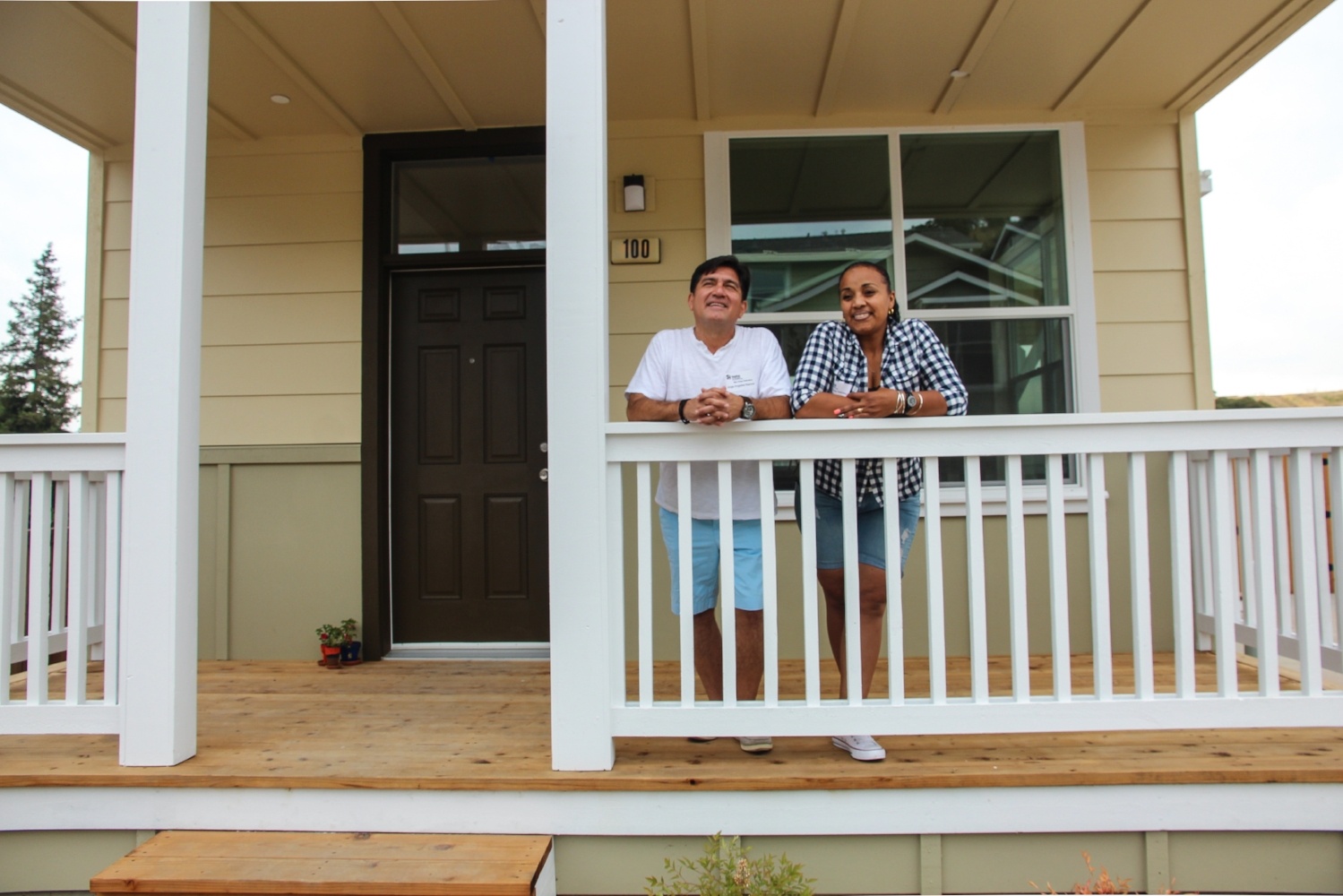
We are really grateful that we have the ability to do this. If it wasn’t for the house through Habitat, I don’t think this would be possible. The money other people make goes all to rent. Luckily, we have the house, so we do have the ability to do all these things for our kids.”
Frequently Asked Questions
What is a “family”?
Habitat East Bay/Silicon Valley understands that there are many types of families, and all are welcome to apply to our program. You determine who your family is. Just a few examples of family are: an individual applying alone, a married couple with children, a single parent, a non-married couple, or a family that includes aunts, uncles, or parents. Unless there are circumstances outside of your control, you must have lived with all the household members shown on your pre-application and full application for at least 6 months.
Do I have to be a U.S. citizen?
All applicant(s) whose name will be on the title must show proof of legal U.S. residency and at least one applicant must show proof of permanent legal U.S. residency.
Habitat will verify applicant(s) status of legal residency by obtaining a copy of one of the following:
- U.S. Birth Certificate
- U.S. Naturalization Certificate
- U.S. Passport
- Permanent U.S. Resident Card/Green Card
Do I qualify?
First, if after reading the Program Guidelines you’re not sure whether you qualify, please apply! Our staff will review your information to help you figure out if you qualify.
We build houses along with partner households who meet Habitat’s homeownership program guidelines. Some of the basic guidelines are: You must be a first-time homebuyer. Your income must be 80% or below the median household income for the county in which the home is located. You must have a need for housing, you must show the ability to pay an affordable mortgage loan for 30 years, and you must demonstrate a willingness to partner with Habitat.
How much will my mortgage cost?
Habitat for Humanity sets the mortgage costs. Your mortgage payment (including principal, interest, taxes, and insurance) on your affordable first mortgage together with any Homeowner’s Association dues, a utility allowance, and a maintenance reserve will be no more than 35% of your gross monthly income. This helps to ensure that you are able to continue making payments on your home while having enough remaining income to provide a healthy, stable life for you and your family.
Can I rent my home to other people?
No, Habitat East Bay/Silicon Valley homes must be owner-occupied and cannot be rented out.
Do I need to be employed?
No, but we do require proof of income. We will accept benefit statements and award letters for SSA and disability, as well as proof of payment for a pension plan. If you are employed through a company, we require at least 6 months of history with your current employer and 3 of your most recent paystubs. If you are self-employed, we require at least 3 years of tax returns (all pages) to verify your net profit.
Does Habitat provide emergency housing assistance or rental assistance?
No, but we can refer you to other programs that may be able to assist you.
Can I sell the house?
Habitat East Bay/Silicon Valley sells homes to people who are looking for long-term ownership, but you may sell your home. Most of our partners continue to live in their homes for long periods of time. To help make sure that we are selling to households that need a home to live in and not investors, our partners sign long-term resale restriction agreements. Generally, during the term of the agreement, you can only sell the home if you first offer to sell the home to Habitat (and sometimes a city or county that provided funding to build your home) and you can only sell it at an amount so that it remains affordable to qualified buyers. Please call us for more details.
What are sweat equity hours, and how many do I have to work?
Sweat equity is the Habitat for Humanity term for partnering with us to help build your home and further Habitat’s mission. We require each Habitat partner household to complete between 250 hours and 500 hours of sweat equity depending on the construction type and location. Completion of sweat equity can take anywhere from 3 to 12 months.
Why do you pull my credit?
We pull a credit report for the applicant and co-applicant. Your credit report gives us a good indication of whether you have the ability to afford a mortgage payment on top of your existing financial responsibilities. We are looking for a history of consistent, on-time payments of your existing bills. We are also looking to make sure there are no major issues, such as a history of late payments, open collections, or open bankruptcies.
What documentation will I need available when I apply online?
Habitat for Humanity is a 2-step application process. You will begin with a pre-application where we’re verifying basic information for the applicant and co-applicant and verifying income for your entire household.
At the time of completing the pre-application online, you will need to upload at minimum:
All household members to provide the most recent 3 pay stubs for all sources of income (employment, pension, child support, alimony, EDD, SSI, disability, etc.) or most recent 2 year Federal tax returns if you are self-employed.
Proof of U.S residency for applicant and co-applicant
Driver’s license or DMV I.D.
Evidence of applicant and co-applicant’s social security number.
Pay a fee for Habitat to order a credit report for the applicant and co-applicant.
**On a case by case basis, Habitat could require documents not listed above.
If you meet the program requirements, Habitat will invite you to complete a full application.
The full application will require a review of additional documentation that’s listed below.
I completed the online pre-application intake form but the website did not take me to an application.
Our online pre-application requires a 3-step verification process.
- Step 1: Validate Your Email
If you do not receive an email from habitatebsvapplications@habitatebsv.org within 5 minutes, please check your junk/spam folder. - Step 2: Enter Authentication Code or Follow Email Verification Link
- Step 3: Validate Your Cell Phone Number
You will only receive a text message when trying to enter the application portal.
After verifying your contact information, you will receive a 2nd email with a link to begin the pre-application process. If you do not receive an email from habitatebsvapplications@habitatebsv.org within 5 minutes, please check your junk/spam folder.
I entered the online pre-application but I do not know where to start.
Habitat recommends that you input all information and answer all questions before you begin uploading documentation. Sections such as “no income form”, will go away once you add employment information for the household member.
How do I obtain a copy of my application and disclosures?
After you have submitted your application, the online application portal will send you a copy of your application and disclosures. Habitat has the right to make any changes to your application (for example updating your income or assets) to line up with our homeownership policies.
I've added my information, but I still see a red clock and not a checkmark indicating the requirement is met.
The red clock symbol means that you have not yet either completed a section or uploaded a document.
The red clock will go away once you have completed all sections, answered all questions, and uploaded all required documentation. You will receive a back checkmark when the section has met all requirements and is completed.
Common reasons why you still have a red clock symbol and not a checkmark:
- You did not input an email or cell phone number for the co-applicant. If you did not receive a text, you can click “resend SMS”
- You did not input a state.
- You did not add a mailing address
- Sometimes the system adds additional questions
- You did not input a response to the military question
- You did not input a response to the employment question
How do I know that Habitat has received my application?
Once you have completed all sections, uploaded your documentation, and completed all steps to the PDF and disclosures, you will receive an email notifying you that Habitat has received your documentation. Please allow 24 hours before contacting Habitat to see if we received it. Reviews will generally take from 3-15 days or sometimes longer depending on Habitat’s application capacity.
Can I sign on behalf of my household member?
You may not sign, agree or certify on behalf of anyone who is required to sign and certify on the application.
On the pre-application, the applicant and co-applicant will have to sign, agree and certify.
On the full application, the applicant, co-applicant and all household members 18 and over must sign, agree and certify for themselves. Please read all disclosures before you sign, agree and certify.
My PDF is not uploading.
Depending on your internet, you might have to refresh the screen if it is taking 3 minutes or longer to generate the PDF.
What if I am notified by Habitat that something I uploaded was not accepted or they have questions?
- You will receive an email notification from Habitat if there are problems or questions regarding your application.
- Enter your application portal and look for a red exclamation point (!) next to the items we did not accept.
- You will enter the item that was rejected and read why it was rejected (incorrect item, need additional items or we have a question). If we need additional or correct items, you will upload a corrected documentation.
- If we have a question about a document, you will answer the question in the space provided hit the + bottom.
- Finally, click the blue button that says, "I have completed my uploads and met requirements."
Your application will then be resubmitted back to Habitat.
Stay in the know
GET UPDATES
Sign up for Services information and receive a monthly email sharing the latest updates on our the many ways we serve our community.